SEO Proxies for Rank Tracking and SERP Monitoring
Pull accurate, location-specific search results at scale. Proxio's SEO proxies power rank tracking, SERP monitoring, and AI Overview tracking without CAPTCHAs, personalization skew, or IP blocks.
What are SEO proxies?
SEO proxies are proxy IP addresses used to query search engines from specific locations and devices so you can track keyword rankings, monitor SERPs, and collect search data without being blocked, rate-limited, or served personalized results.
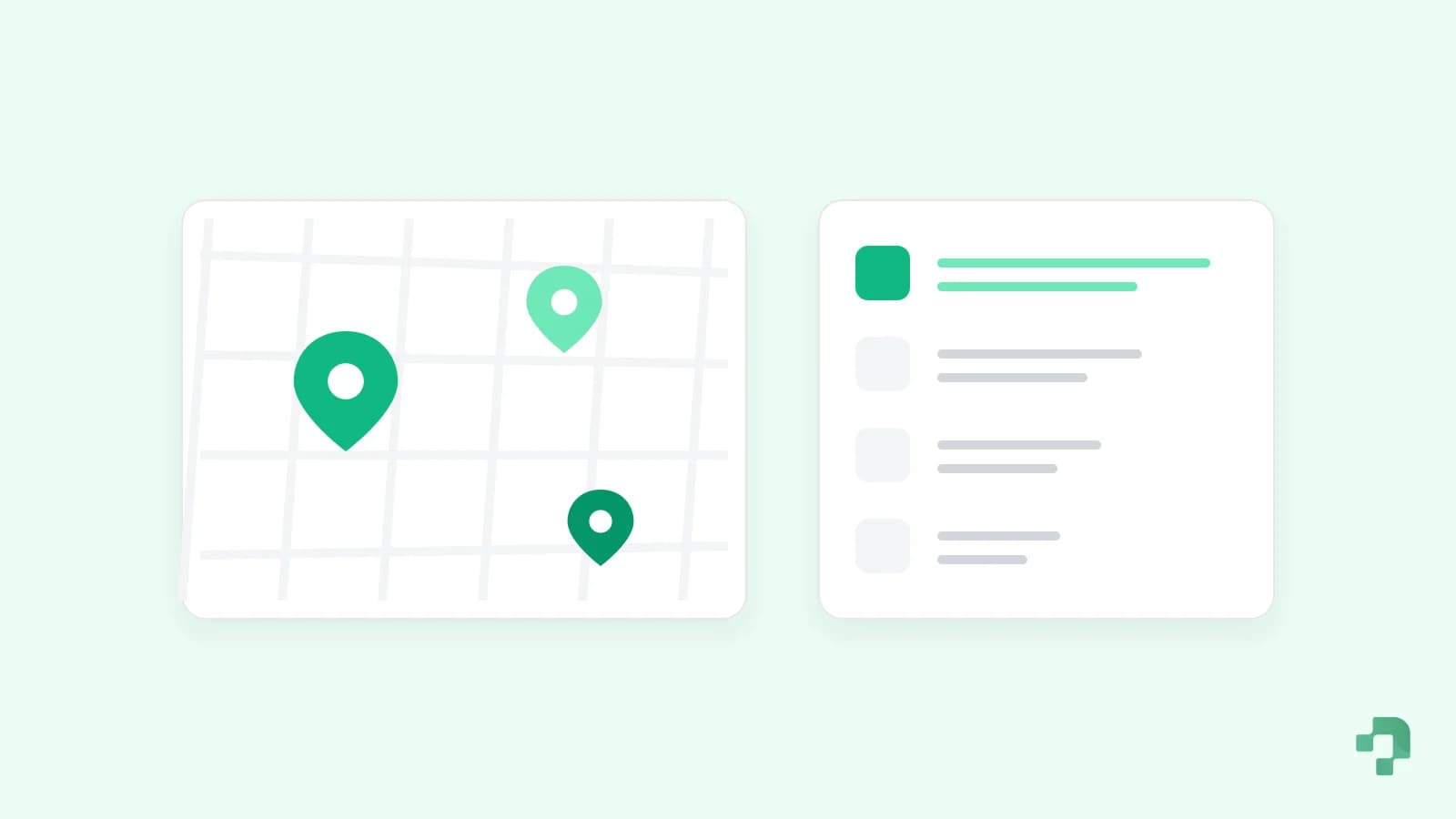
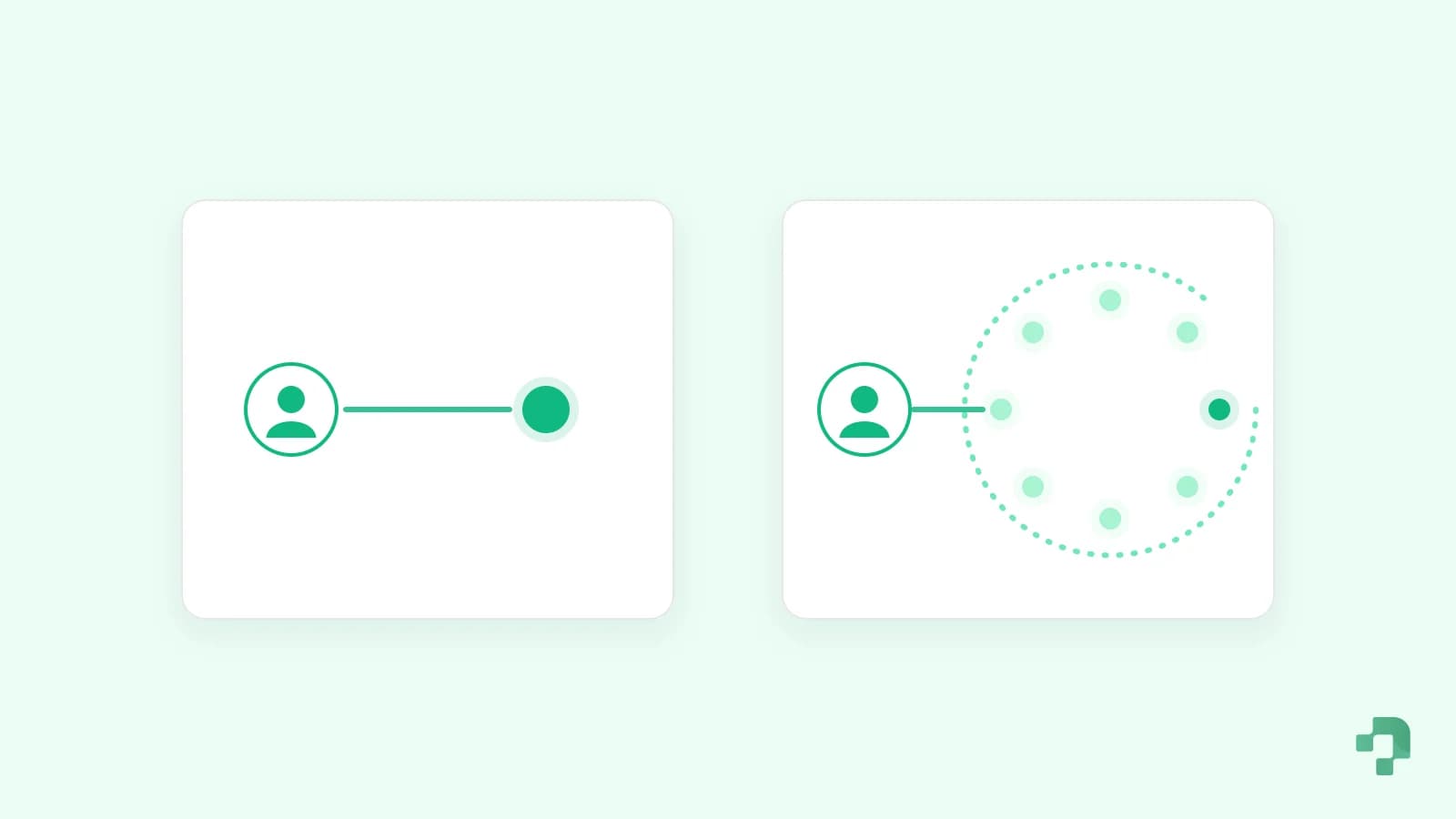
Search engines like Google tailor results to the searcher's IP location, history, and device. When you check rankings from a single office IP, you get personalized, geographically-biased data and hit rate limits fast. Routing each query through a fresh proxy IP in the target city gives you the clean, neutral SERP a real local user would see, which is exactly what a rank tracker needs to report accurate positions.
The solution
Accurate Rank Tracking at Any Scale
Route each keyword check through a fresh residential or dedicated ISP IP in the exact city you want to rank in. You get the neutral local SERP a real user sees, with no CAPTCHAs and no personalization bias.
The challenges
- CAPTCHAs and 429 rate limits at scale
- Localization skew from a single office IP
- Personalized results that hide true rankings
- Tracking Google AI Overviews and local packs
What Proxio gives you
- City- and country-level rank tracking
- Neutral, de-personalized SERP data
- Track AI Overviews, local packs, and organic
- Enough IP diversity for thousands of daily checks
Recommended
Recommended proxies for SEO
By task
Which Proxy for Which SEO Task
Search engines block datacenter ranges. Most other SEO work does not need home IPs.
| SEO task | Best proxy | Why |
|---|---|---|
| Google rank tracking | Residential, rotating | City-level home IPs return the neutral local SERP and rarely hit CAPTCHAs |
| AI Overviews and local packs | Residential, rotating | Both change by location, so each check needs an IP in the target city |
| Bing and other engines | Residential or ISP | Less aggressive blocking; ISP IPs work at low request rates |
| Site audits of your own sites | Datacenter | Your own servers do not block you; unlimited bandwidth keeps big crawls cheap |
| Backlink and competitor page checks | Datacenter, residential for blockers | Most pages load fine from datacenter IPs; switch the few that block |
| SEO tool and dashboard logins | ISP, one IP per account | A stable static IP avoids security checks on every login |
Sizing
How Much Traffic Rank Tracking Uses
A Google results page is roughly 100 KB of HTML without images. Rendering the page in a browser uses several times more.
| Keywords checked daily | Requests per month | Residential traffic, HTML only |
|---|---|---|
| 100 | about 3,000 | about 0.3 GB |
| 1,000 | about 30,000 | about 3 GB |
| 10,000 | about 300,000 | about 30 GB |
One check per keyword per day in one location; multiply by the number of locations you track. Estimates, not a guarantee.
Setup
Use It With Your Rank Tracker
Desktop rank trackers
Tools such as SEO PowerSuite Rank Tracker take a proxy list. Add geo.proxio.cc:16666 with your username and password; put the country in the username.
ScrapeBox and similar
Paste proxies as host:port:user:pass. Use a plain username for rotation, or add -sessid- per thread for sticky sessions.
Your own scripts
Send requests through http://USERNAME-region-us-city-chicago:[email protected]:16666 for Chicago results.
OpenCompare
Residential vs Datacenter Proxies for Google Rank Tracking
Google is aggressive about blocking datacenter IPs on search. For reliable rank tracking, IP quality matters more than raw speed.
| Factor | Residential / ISP | Datacenter |
|---|---|---|
| Google block rate | Very low | High on search endpoints |
| Local accuracy | Real city-level ISP IPs | Region-level, often flagged |
| Best for | Google, Bing, local packs, AI Overviews | Non-search scraping, speed tasks |
| AI Overview / SGE tracking | Reliable | Frequently blocked |
| Recommended | Yes for SERP tracking | Only where datacenter IPs aren't blocked |
Bottom line: use residential or ISP proxies for search-engine rank tracking; keep datacenter proxies for high-speed scraping of sites that don't block them.
FAQ
Frequently Asked Questions
Everything you need to know about Proxio's proxy services
What are SEO proxies?
SEO proxies are proxy IP addresses used to query search engines from specific locations and devices. They let you check keyword rankings, monitor SERPs, and collect search data at scale without being blocked, rate-limited, or served personalized results that would distort your reporting.
Do I need proxies for rank tracking?
For anything beyond a handful of manual checks, yes. Checking rankings from your own IP returns personalized, location-biased results and quickly triggers CAPTCHAs and rate limits. Proxies give you clean, neutral SERPs from the exact location you want to rank in and let you track many keywords without getting blocked.
What is the best proxy type for SERP tracking?
Residential and dedicated ISP (static residential) proxies are best for SERP tracking because search engines rarely block them and they deliver real city-level accuracy. Datacenter proxies are cheaper and faster but are frequently blocked on Google search, so they're better suited to scraping sites that don't block datacenter IPs.
How many proxies do I need to track 1,000 keywords?
As a rule of thumb, spread checks so each IP makes only a few search requests per minute. Tracking 1,000 keywords once a day is comfortable with a modest rotating residential pool; if you check multiple locations or run several times a day, you'll want more IP diversity. Rotating residential proxies handle this automatically by drawing from a large pool, so you rarely need to size a fixed IP count yourself.
Can I track Google AI Overviews with proxies?
Yes. Because AI Overviews (formerly SGE) are location- and personalization-sensitive, you need clean local IPs to see the version real users get. Residential and ISP proxies let you query from the target city and capture AI Overviews, local packs, and featured snippets accurately.
Residential or datacenter proxies for Google?
Use residential or ISP proxies for Google. Google aggressively blocks datacenter IP ranges on its search endpoints, so datacenter proxies produce inconsistent results and frequent CAPTCHAs. Residential and ISP IPs look like real users, giving you reliable, accurate rankings.
Can I track rankings in multiple countries and cities?
Yes. Proxio supports country-, state-, and city-level targeting, so you can monitor how the same keyword ranks across every market you care about from a single account.