
Social Media and Multi-Account Proxies
Run multiple social media accounts without bans. Assign a dedicated static ISP IP to each account for management, or rotate residential IPs for scraping and research.
Why every account needs its own IP
Social media proxies are proxy IP addresses that let you manage or automate multiple social media accounts from separate, trusted IPs so platforms don't link the accounts together or flag them for suspicious activity.
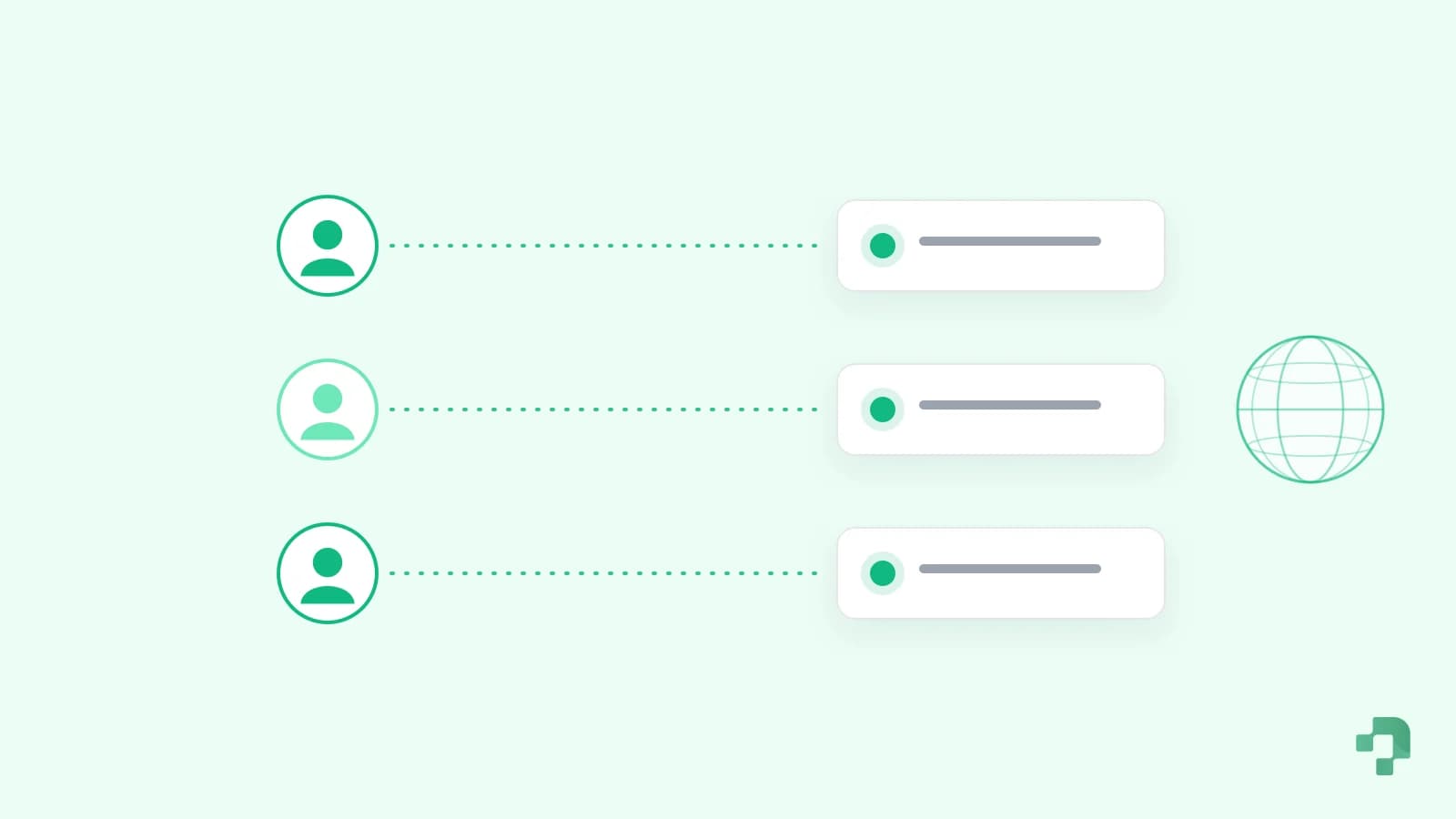
Instagram, Facebook, TikTok, and X tie accounts to the IP addresses they log in from. When several accounts share one IP, or an account keeps changing IPs, platforms flag the behavior and issue restrictions or bans. Social media proxies solve this by giving each account its own consistent, residential-quality IP, so every account looks like a normal person logging in from a stable home connection.
The solution
Secure Social Media Management
Assign a dedicated static ISP (static residential) IP to each account you manage, and use rotating residential proxies for scraping public profiles, hashtags, and trends.
The challenges
- Account bans and restrictions
- IP-based account linking and limits
- Suspicious activity and login flags
- Managing many accounts at once
What Proxio gives you
- One dedicated IP per account
- Sticky sessions for IP consistency
- Residential-quality IPs, lowest block risk
- Country/state/city geo-matching
Recommended
Recommended proxies for Social Media
By platform
Which Proxy for Each Platform
For accounts you log into, one dedicated ISP IP per account, in the account's country. For public data, rotate residential IPs.
| Platform | Accounts you log into | Collecting public data |
|---|---|---|
| Instagram and TikTok | ISP, one IP per account | Residential, rotating |
| Facebook and Meta Ads | ISP, same country as the ad account | Residential, rotating |
| X (Twitter) | ISP, one IP per account | Residential, rotating |
| ISP, matching the profile's country | Residential, rotating | |
| ISP, or residential with a sticky session | Residential, rotating | |
| Amazon, eBay and marketplaces | ISP, one IP per seller account | Residential, rotating |
Cost
What One IP per Account Costs
Dedicated ISP IPs are priced per IP with unlimited bandwidth, so the cost grows with accounts, not traffic.
| Accounts | ISP IPs | 30-day rental | Per month on a 90-day rental |
|---|---|---|---|
| 1 | 1 | $5.90 | $3.84 |
| 5 | 5 | $29.50 | $19.20 |
| 10 | 10 | $59.00 | $38.40 |
| 25 | 25 | $147.50 | $96.00 |
Starting prices; some countries cost more. Your first order is 10% off.
Anti-detect browsers
Pair Each Profile With Its Own IP
An anti-detect browser gives each account its own fingerprint; the proxy gives it its own address.
AdsPower
Proxy tab in the profile, paste the line into Host:Port, then Check Proxy.
OpenGoLogin
Add the proxy from the Location column or Settings, Proxy, Your proxy.
OpenMultilogin
Profile, Proxy, Custom: pick the type and enter IP:port:login:password.
OpenDolphin Anty
New Proxy in the profile: paste the line with its type prefix and test it.
OpenFAQ
Frequently Asked Questions
Everything you need to know about Proxio's proxy services
What is the best proxy type for social media?
For managing and logging into accounts, dedicated static ISP proxies (static residential IPs) are best because each account keeps one stable, residential-quality IP that never changes. For scraping public data like profiles, hashtags, and trends, rotating residential proxies are better because they spread requests across many real-user IPs.
Do I need one proxy per account?
For account management, yes. The safest setup is one dedicated IP per account so platforms never see multiple accounts sharing an IP. Sharing one IP across many accounts is the fastest way to get them linked and banned.
Do free proxies work for social media?
No. Free proxies use overused, already-flagged datacenter IPs that platforms detect and block instantly, and they often log your traffic, putting your accounts at risk. Dedicated ISP or residential proxies are essential for anything you care about keeping.
Should I match the proxy location to the account?
Yes. Geo-matching each account's proxy to the location it was created in or normally logs in from keeps behavior consistent and avoids the location-change flags that trigger verification checks and lockouts.
Will I get banned using proxies?
Using dedicated, residential-quality IPs and following each platform's guidelines dramatically lowers ban risk. Proxies remove the IP-based signals that get accounts flagged, but you should still respect platform terms of service and avoid spammy automation.
Ready to get started?
Choose the right proxy for Social Media and go live in minutes.